
1971 Taka — an enthusiastic fan enjoying cricket betting in Chittagong
Bet on cricket, football, or any sport — anytime, anywhere, right from your mobile.
1971 Taka — an enthusiastic fan enjoying cricket betting in Chittagong
Choose the right version for your device
Compatible with all Android phones including Samsung, Xiaomi, Realme, and Oppo.
Fully optimized for iPhone and iPad — smooth and fast performance.
Demand for mobile betting apps in Bangladesh is growing by the day. More and more people now prefer doing everything straight from an app rather than opening a browser to place their bets. 1971 Taka That's exactly the need they had in mind when building their app — lightweight, fast, and fully in Bangla.
The moment you open the app, the day's most important matches are front and center. Whether you're into cricket, football, or kabaddi, you're just a couple of taps away. Live match odds update in near real-time, so whenever conditions on the field change, the latest odds are right there instantly.
Even first-time users who have never used a betting app before will find 1971 Taka's interface completely straightforward. Each option comes with a short description, and on-screen guidance is available at every step — from deposit all the way through to withdrawal.
Keep in Mind: To install the Android APK directly, enable "Unknown Sources" under Settings > Security. You can turn it back off after installation.
The app is more than just placing bets — you can check live scores, review your betting history, browse bonus offers, and reach customer support, all in one place.
| Features | 1971 Taka App | Mobile Web |
|---|---|---|
| Loading Speed | Very Fast | Relatively Slower |
| Push Notifications | Available | None |
| Live Odds Updates | Real-Time | Available |
| Offline History Viewing | Available | None |
| Fingerprint Login | Available | None |
| Battery Usage | Low | Higher |
| Use Without Installing | None | Directly in Browser |
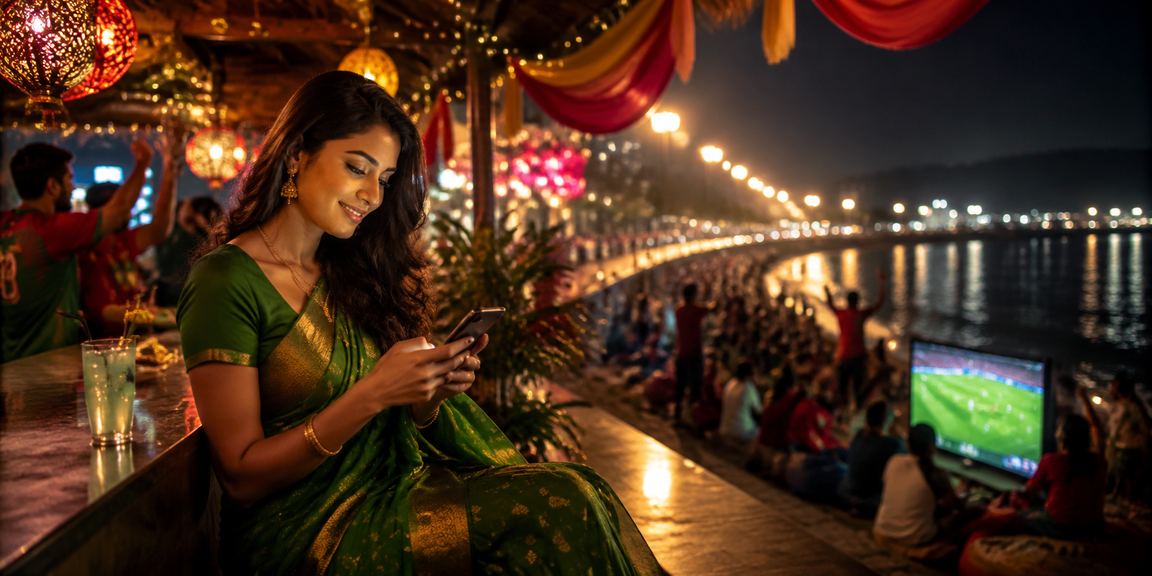
1971 Taka — a user enjoying mobile casino games in Chittagong
Full setup in just a few minutes from the APK file
Click the "Register" button at the top and create your account.
After logging in, you'll see a "Download APK" button. Tap it to download the file.
Go to Settings > Security > Unknown Sources and enable it, or your phone will prompt you automatically during download.
Open the file from your Downloads folder and tap "Install".
Once installation is complete, open the app, log in to your account, and start betting!
Easy Setup on iPhone and iPad
Create a 1971 Taka account using your email or phone number.
After logging in, tapping the iOS download button will redirect you to the App Store.
Tap "Get" on the App Store page and confirm with your Apple ID.
Once the download is complete, tap the 1971 Taka icon on your Home Screen.
Enable biometric login after your first sign-in — next time, one touch gets you in.

1971 Taka — A user enjoying mobile casino in Narayanganj
What You Get with the 1971 Taka App
Place bets at any moment during a match. Odds update in real time, second by second.
Get notifications directly on your phone before a match starts, when bonus offers drop, or whenever there's an important update.
Log in instantly with Fingerprint or Face ID — no more typing your password.
Menus, instructions, support — everything is in Bangla. No language barriers, ever.
Access Bangladesh's most popular mobile banking methods directly from the app.
Your data and transactions are protected with 256-bit SSL encryption — completely private from any third party.
Follow real-time match stats — ball tracking, run rate, possession, shots on target, and more.
Watch selected matches live right inside the 1971 Taka app — no separate app needed.
Reach us via live chat right inside the app. Chat in Bangla and get quick answers.
Many users install the app once and forget about updates entirely. But 1971 TakaEvery new update brings something fresh — new games, improved payment systems, or security enhancements. Keeping the app up to date ensures you always get the best experience.
Android users can tap "Check for Update" directly in the app's Settings to get the latest version. On iOS, any pending update will appear in the App Store. Generally, one major update is released each month, along with occasional minor bug-fix updates.
If you run into any issues during an update — such as the old APK not working or the installation getting stuck — just uninstall the app and reinstall it fresh. Your account details and balance are saved on our servers, so no data will be lost.
Trusted by millions across Bangladesh

1971 Taka — A cricket betting enthusiast enjoying the experience in Bogura
Just a few years ago, betting meant sitting in front of a computer with a large screen. That's all changed now. Whether you're in Dhaka, Chittagong, or Sylhet, people are doing everything on mobile. 1971 Taka They've clearly understood what this shift is all about.
The app is designed to keep everything clear and readable on smaller screens. Buttons are large enough to tap comfortably, the font is easy to read, and menu navigation is simple and direct. Even users who aren't very tech-savvy can figure out where everything is within a few minutes.
1971 Taka has built its payment system around the realities of Bangladesh. Deposits via Mobile Pay typically reflect in your balance within 5 minutes — Nagad and Rocket are just as fast. Withdrawals are generally processed within 24 hours, though in most cases it happens well before that.
Live betting is the most popular feature on the app. When a Bangladesh vs India match is on the line, there's nothing quite like watching the live odds and placing your bet at exactly the right moment. The app stays responsive even on slower connections, thanks to its built-in low-data mode.
First-time 1971 Taka downloaders get a welcome bonus package. Expect a deposit bonus, free bets, and cashback offers — all delivered straight to your app notifications. Keep notifications enabled so you never miss a deal.
All in all, 1971 Taka is a platform built with Bangladeshi users in mind. From language and payments to sports coverage, every aspect reflects a local experience. Once you try the app, you won't want to go back to a browser.
Frequently Asked Questions About Downloading